
Psiphon
Psiphon is a free and open-source internet censorship circumvention tool for Windows that connects you to blocked websites through its own network.
10.8 MB

Ciphra VPN is a Windows VPN client that encrypts your connection, available as a standalone installer or from the Microsoft Store, with an Android app too.
Average 0.0 · ratings: 0
Thank you! Your rating is saved; you can change it. Could not save the rating. Please try again later. Too many ratings from your network today. Please try again tomorrow. The average appears after 5 ratings.
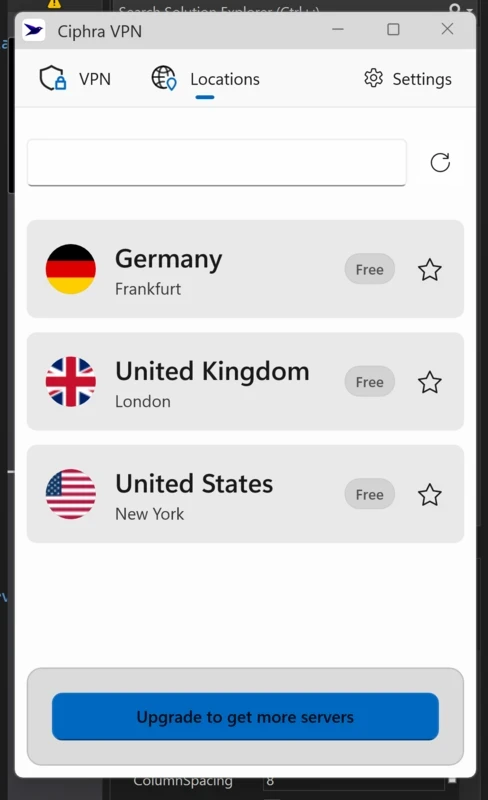
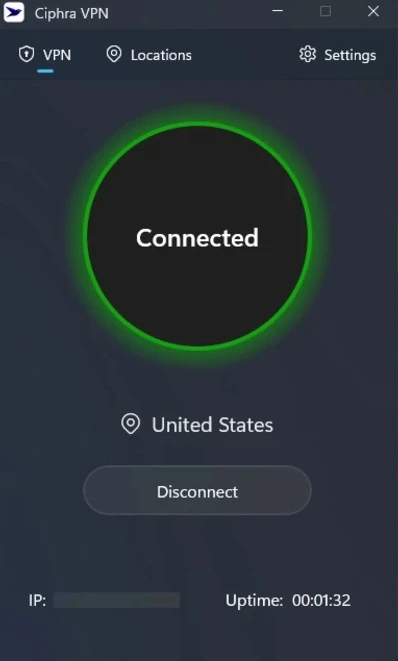
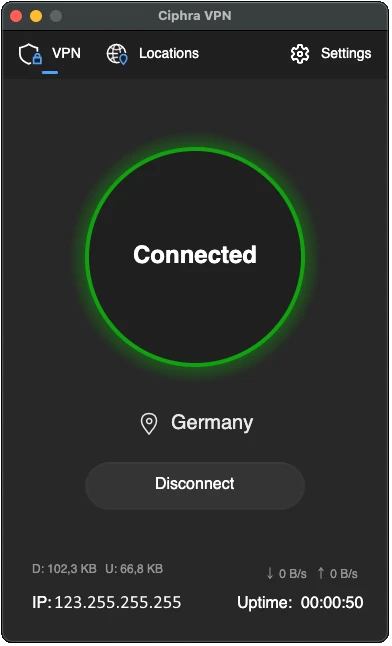
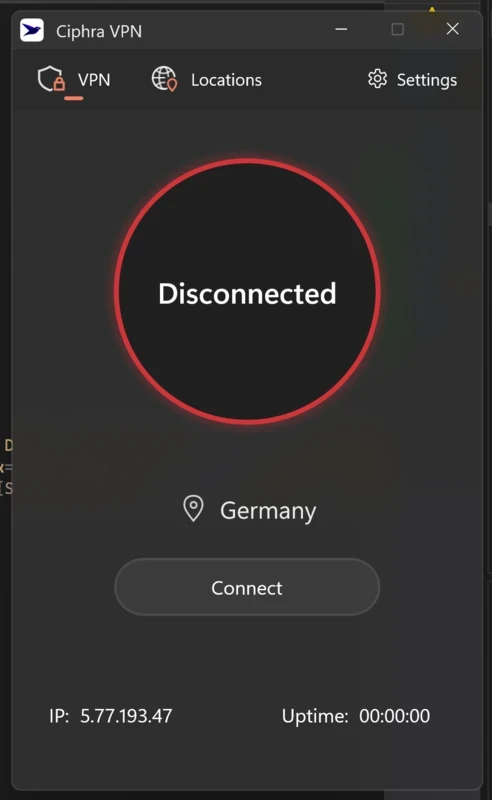
Ciphra VPN 2025.1020.161 is a Windows VPN client from Ciphra. It encrypts your PC's internet connection and routes it through Ciphra's servers, changing the IP address that websites see. According to the developer, it works on Windows 10 and later, 64-bit. You can download Ciphra VPN for Windows as a standalone installer from ciphravpn.com or get it from the Microsoft Store.
Ciphra VPN follows the lean approach: a small client with a clear connect button and a list of locations. The developer's download page states that the standalone Windows installer is under 50 MB and needs about 50 MB of free disk space, which makes it lighter than many VPN clients that bundle extra tools. An Android app is also available for phones running Android 8.0 (Oreo) or later, with about 150 MB of free storage, either as a direct APK or from Google Play. The usual VPN benefits apply: traffic on public Wi-Fi is encrypted between your device and the Ciphra server, and websites see the server's location. Whether Ciphra is the right provider for you depends on its privacy policy, server locations and pricing, which are described on the official site. Because it is a newer and less widely known service, it is worth testing it on the networks you actually use and reading its terms before relying on it daily.
The catalogue lists the installer at about 50.96 MB according to catalogue data.
Ciphra VPN fits users who prefer a light client on a modern Windows PC and want the same service on an Android phone. If you need a long track record, published audits or many advanced settings, compare it with more established providers first.
Choose nearby servers for calls and gaming, turn the VPN off at home when you do not need it, and remove other VPN clients you no longer use to avoid conflicts between network adapters.
Other VPN clients in our listings include Proton VPN, Windscribe VPN, Mullvad VPN, TunnelBear and Hotspot Shield.
Psiphon is a free and open-source internet censorship circumvention tool for Windows that connects you to blocked websites through its own network.

1111 Warp VPN is Cloudflare's WARP client for Windows, which encrypts DNS and traffic between your PC and Cloudflare's network.

Turbo VPN for Windows is a VPN client from Innovative Connecting that encrypts your connection and routes it through the provider's servers.

Proxifier is a Windows program by VentoByte that sends the network traffic of any application through a proxy server, even if the app has no proxy settings.

VPN Planet is a Windows VPN client from FreeVPNPlanet with a free option, available from its website and the Microsoft Store.

Radmin VPN is a free Windows program from Famatech that connects computers over the internet into a virtual local network, for LAN games and remote access.

v2rayN is a free, open-source Windows GUI client by 2dust for Xray, v2ray and sing-box proxy servers, with subscriptions and routing rules.

Hotspot Shield is a VPN app for Windows that encrypts your internet connection and changes your virtual location.